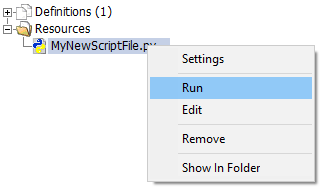
To run a Python script (*.py) file, first either create a new script or add an existing Python script (*.py) file. Right-click on the file in the resources branch and select Run.
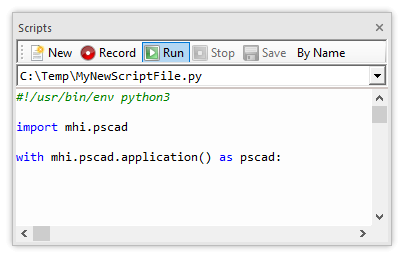
Alternatively, invoke and display the file in the Scripts pane. Press the Run button.
For more information on automation via Python scripting, see Application Automation with Python.