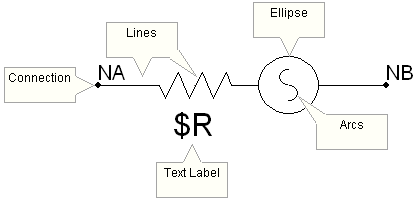
Edit the component definition and in the Graphic section, draw the following diagram (minus the sticky notes!); where $R is a text label, and NA and NB are port connections.
NOTE: Make sure the graphics are of a reasonable size in relation to other components in the master library.
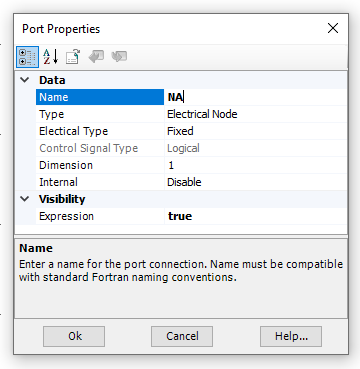
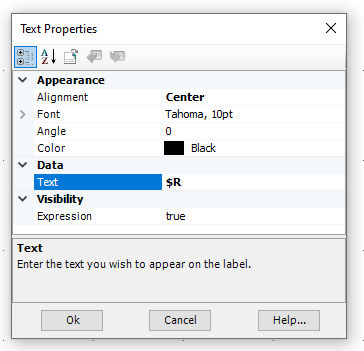
Configure the properties of the port connections so that they are fixed, electrical nodes. Also, configure the text label to display $R:
|
|
Connection Property Settings (NA) |
Text Label Property Settings ($R) |