
Beginning with PSCAD v5.1, users may now collapse any selection of schematic components directly into a page module.
Simply select one or more components and/or modules using any of the available selection methods, right-click and select Generate | Module.
The algorithm will consider both hard-wired and wireless signals that cross the selection boundary, and generate ports and/or module parameters automatically. In the above example, the generated module will appear as follows:
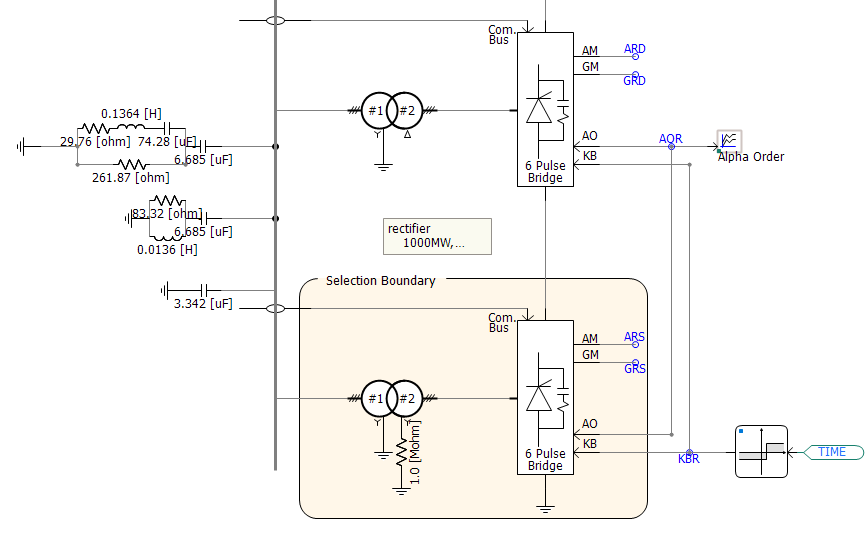
Selection
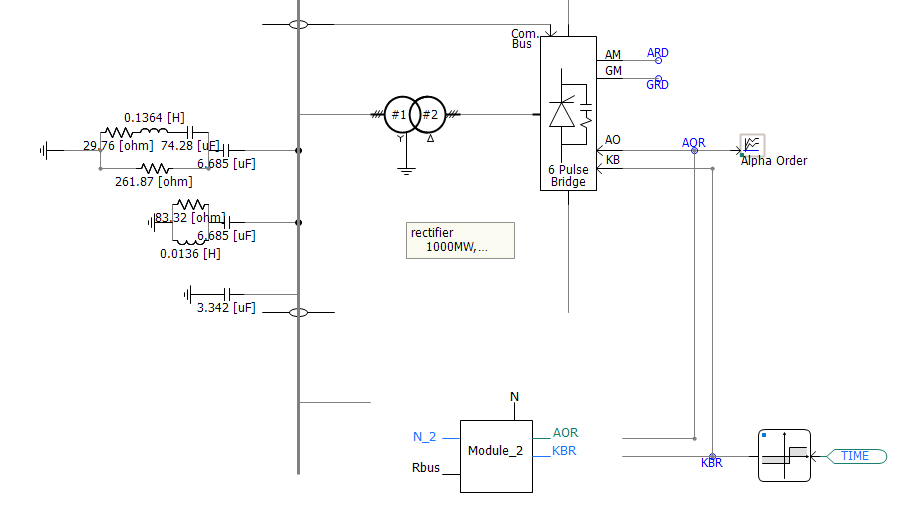
New Page Module
Wireless signals include both those from data and node labels from/to output/input parameters, as well as #OUTPUT directive signals, generated within components, that are passed out via text parameters. If necessary, new parameters will be added to the generated module component to accommodate any wireless signals. All in all, the module component should be run ready once generated.
NOTE: Manual re-connection of wires is necessary following module creation.