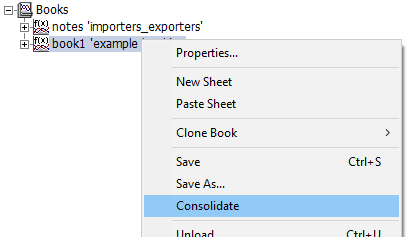
Books may be quickly and efficiently consolidated, so that all dependent datasets will be automatically moved and organized into a specified, local folder. To consolidate a book, simply right-click on the book branch and select Consolidate.
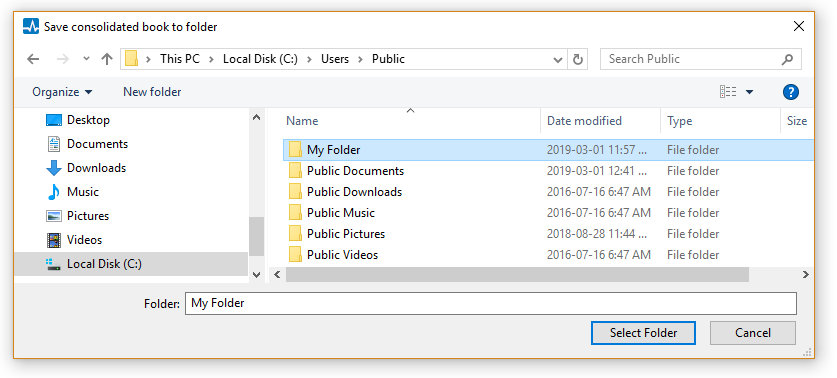
Choose a destination folder for the consolidated files in the resulting dialog, and then press the Select Folder button.
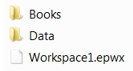
The consolidator will create a new workspace (*.epwx) file, organize all associated files according to dependency and automatically adjust dataset file paths. It places the new workspace file, along with the book (*.epbx) file, in a top-level folder along with the creation of a Data folder, to house the any referenced datasets.
|
Top Level Folder |
Feel free to compress (zip up) the destination folder for easy transfer to other computers.