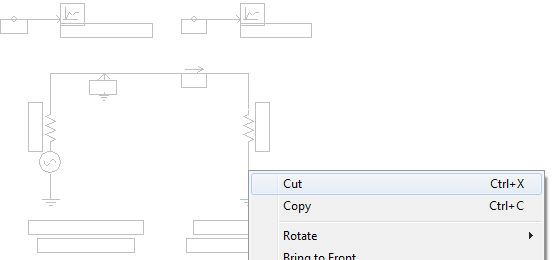
Objects can be cut, copied and pasted as many times as desired within the Schematic canvas: Right-click on the object and select either Cut or Copy (or select the object and press Ctrl + x or Ctrl + c respectively). Multiple objects can be cut, copied and/or pasted simultaneously.
Once cut or copied, you can paste the object by right-clicking over a blank area of the Schematic canvas and selecting Paste (or press Ctrl + v).