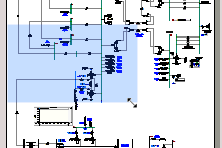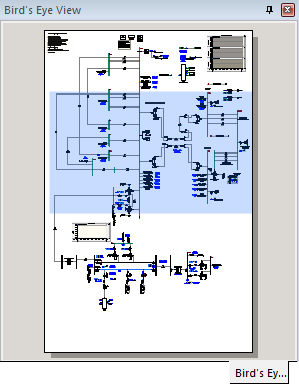
Displaying the Bird’s Eye View Pane
The Bird’s Eye View Pane provides an overview of the entire Schematic or Graphic canvas and indicates what is currently in view . This tool is an important part of the collection of navigational tools in PSCAD, and is used to easily zoom and navigate a Schematic. This pane is particularly helpful when working with very large projects.
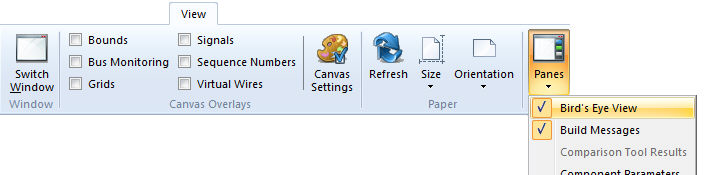
The Bird’s Eye View Pane is not displayed by default, but may be invoked via the View tab in the ribbon control bar by selecting it from the Panes drop-down box.
A shaded box is used to represent the portion of the canvas that is currently in view. Using a left mouse drag action in the Bird's Eye View Pane, the shaded rectangle may be moved about. The Schematic or Graphic canvas in view will move position simultaneously according to the position of the shaded box. During movement, a rectangle outline will show the current position until the left mouse button is released.
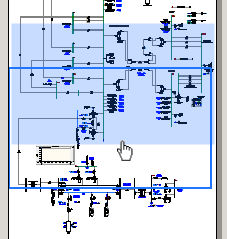
Moving the mouse pointer near the edge of the shaded box will allow you to re-size it, effectively providing a zoom functionality on the canvas being viewed. Shrinking the shaded box will zoom in on the canvas, whereas expanding the box will zoom the canvas out.