
To create a new Python script (*.py) file, first open the Scripts pane for viewing. Click the New button on the pane.
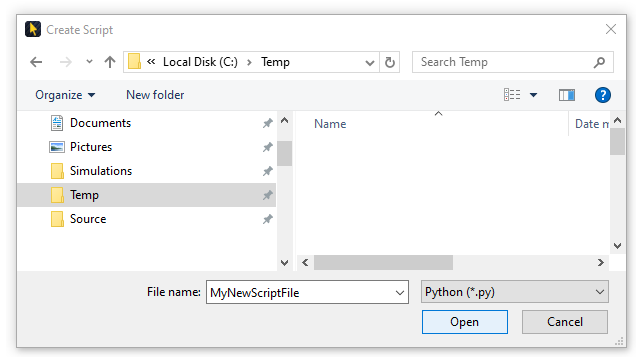
In the resulting Create Script dialog, enter a name for the new file in the File Name field and click the Open button.
The new file will be created, and automatically loaded in the Scripts pane, including initial, required script:

For more information on automation via Python scripting, see Application Automation with Python.