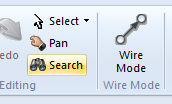
If it is necessary to search a project for a signal name, port connection name, node number, etc., the Search feature may be used. To bring up the search dialog window, either:
Press Ctrl + Shift + F on your keyboard, while the Schematic window is open
Press the Search button in the Home tab of the ribbon control bar.
Users may quickly search for other components that possess the same name (from the component Name parameter). This may be used to quickly search for t-line or cable ends, data labels, node labels, etc. The results of the search are provided in the Search Results pane, complete with navigable links.

For more details on searching, see Search Pane.