Projects may be quickly and efficiently consolidated, so that the project file, along with all associated dependent files, will be automatically moved and reorganised into a specified, local folder. This folder can then be compressed (zipped) for transfer to another user, without the need to re-link dependent file paths, etc. on their end. For more details on consolidation, see Consolidation of Projects and Workspaces.
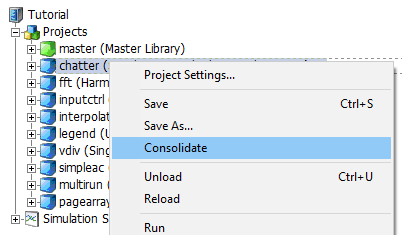
To consolidate a project, simply right-click on a specific project in the projects branch and select Consolidate.
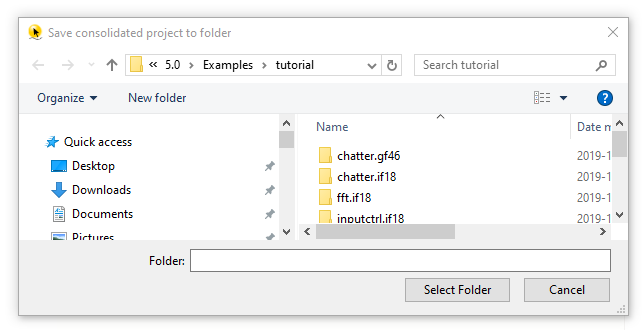
This action will open a save dialog. Select a folder, to which the consolidated folders should be placed. Upon selection, the files will be moved.