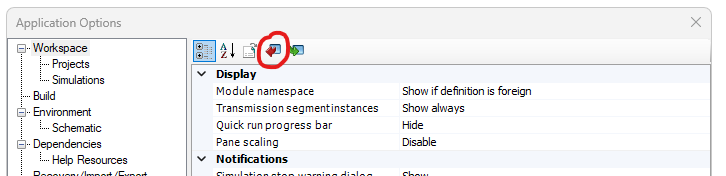
The contents of the Application Options may be exported to, maintained within a Comma Separated Variable (*.csv) file, and then imported back into PSCAD at any time.
To export the contents of the Application Options to file, simply press the Export Parameters button in the dialog.
You will be presented with a Save As dialog to save the file to a specified folder. By default a named PSCAD.csv will be specified.
To import the contents of the Application Options from file, simply press the Import Parameters button in the dialog.
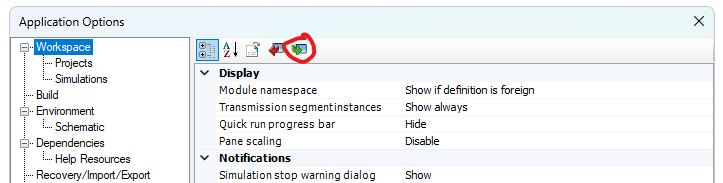
Select the file containing the application options and select OK button in the Open file dialog.