Sticky notes are used to 'stick' important notes on the schematic canvas. It boasts fully adjustable text, bankground colours and even has arrows that can be used to point to a specific location.
To add text to a sticky note, simply left double-click on it and enter text.
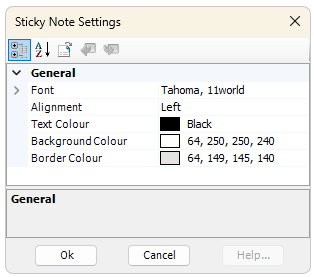
Font and colours can be adjusted via its Properties dialog. Right-click and select Edit Properties...